
Reading Room Opens with Live Tours – Sign Up Now!
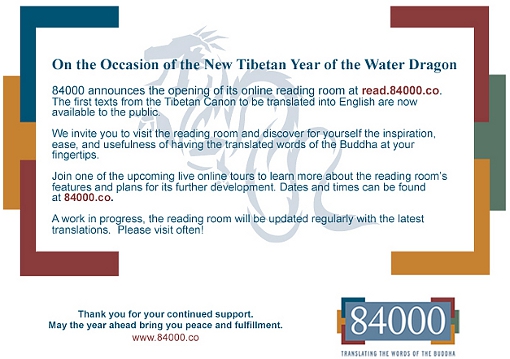
(2012): As much of Asia celebrates the dawn of the most auspicious year in the zodiac cycle — the Year of the Dragon — 84000 is happy to announce the opening of its free online reading room at read.84000.co. The completed English translations of eight texts from the Tibetan Kangyur are the first to be published. 84000 has partnered closely with the Tibetan Buddhist Resource Center (TBRC) on the development of a secure and user-friendly technology platform for the reading room.
Reading Room Live Tours – Sign Up Now!
In conjunction with the opening of the reading room, we will be offering two free online tours for all our supporters. We will show you how to navigate the reading room, where to read the translations, how to use the glossaries, as well as many other exciting features available. The live tours will be led by Jeff Wallman, Chair of 84000’s Technology Committee and Executive Director of TBRC. To sign up, please click on the registration links below.
REGISTER HERE
For 84000 Reading Room Live Tour (North America and Europe)
| Tuesday, February 28 | |
| Paris | 5:00 pm |
| London | 4:00 pm |
| New York | 11:00 am |
| Chicago | 10:00 am |
| Denver | 9:00 am |
| Los Angeles | 8:00 am |
REGISTER HERE
For 84000 Reading Room Live Tour (Asia)
| Thursday, March 1 | |
| Tokyo | 9:00 pm |
| Hong Kong / Taiwan / Singapore | 8:00 pm |
| Jakarta | 7:00 pm |
| Kathmandu | 5:45 pm |
| Delhi | 5:30 pm |
Please enjoy your reading room. Thank you for your continuing support.
Posted: 21 Feb 2012